AI Prompt to Change the Floor in a Photo
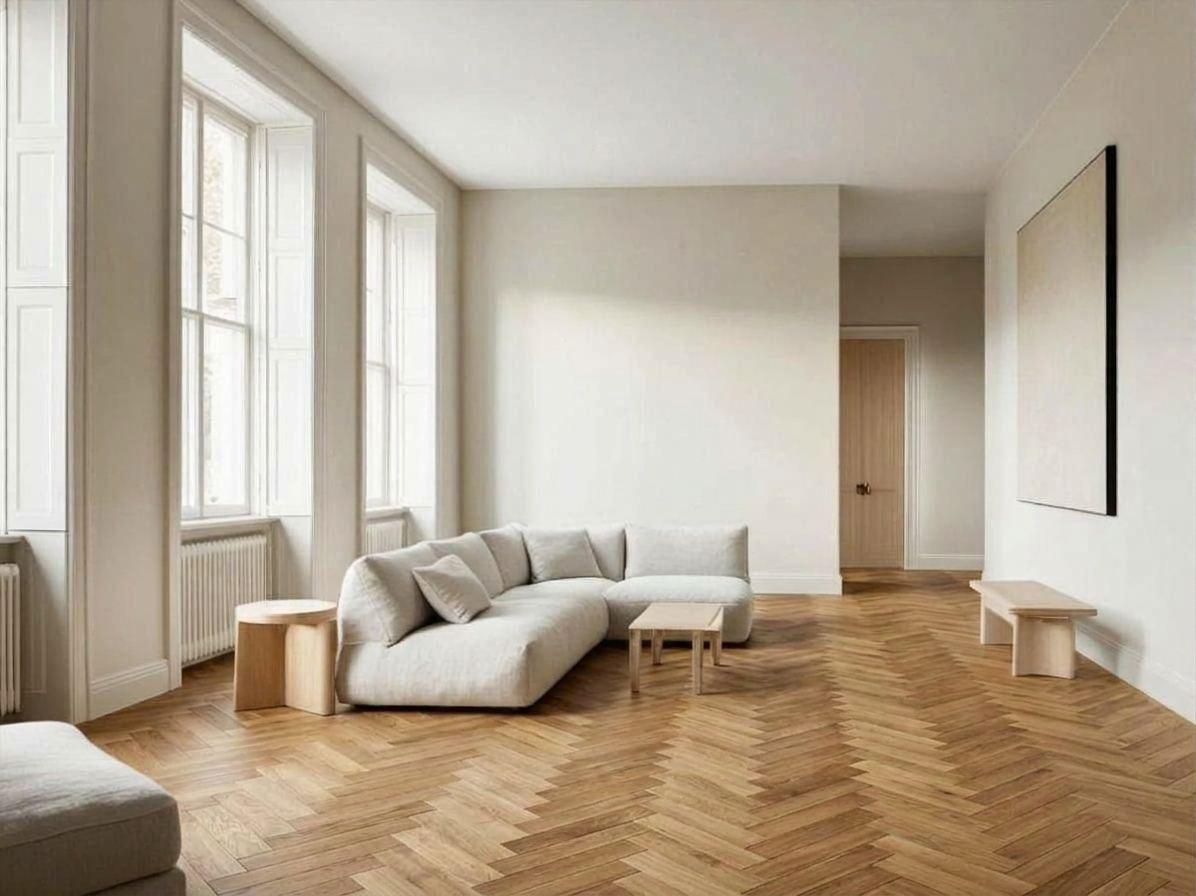
To change the floor in a photo, the prompt needs three parts: 'change only the floor', then the material with its format and laying direction, then a list of what stays the same. Without the format and direction, the model picks them. All five prompts below were run on the same photo of a living room with a pale floor.

The room every prompt on this page started from
1. Natural oak herringbone
Change only the floor in this photo to a natural oak herringbone parquet. Keep the walls, windows, door, furniture, lighting and camera angle exactly the same.
The floor changed and the walls, windows, sofa and painting did not. The pattern came out larger than a real herringbone would be, because the prompt gave no board size.
2. Concrete-look tile, 60 by 120
Change only the floor in this photo to large-format light grey concrete-look porcelain tiles, 60 by 120 centimetres, with thin grey joints running towards the windows. Keep the walls, windows, door, furniture, lighting and camera angle exactly the same.
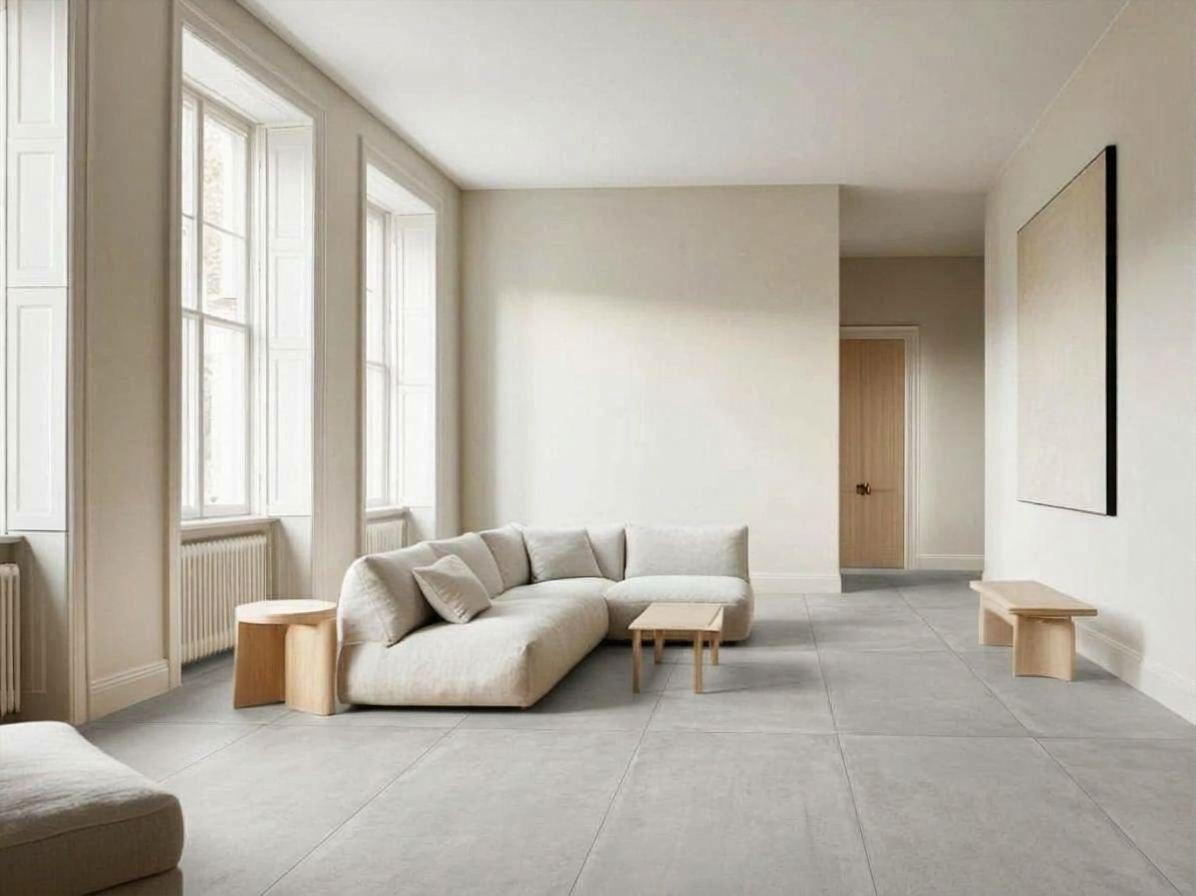
Giving the tile size and the direction of the joints produced a believable layout. This is the prompt to copy for any tile.
3. Dark walnut wide planks
Change only the floor in this photo to dark walnut wide planks with a matte finish, laid lengthwise towards the far wall. Keep the walls, windows, door, furniture, lighting and camera angle exactly the same. The furniture must keep the same shadows on the new floor.
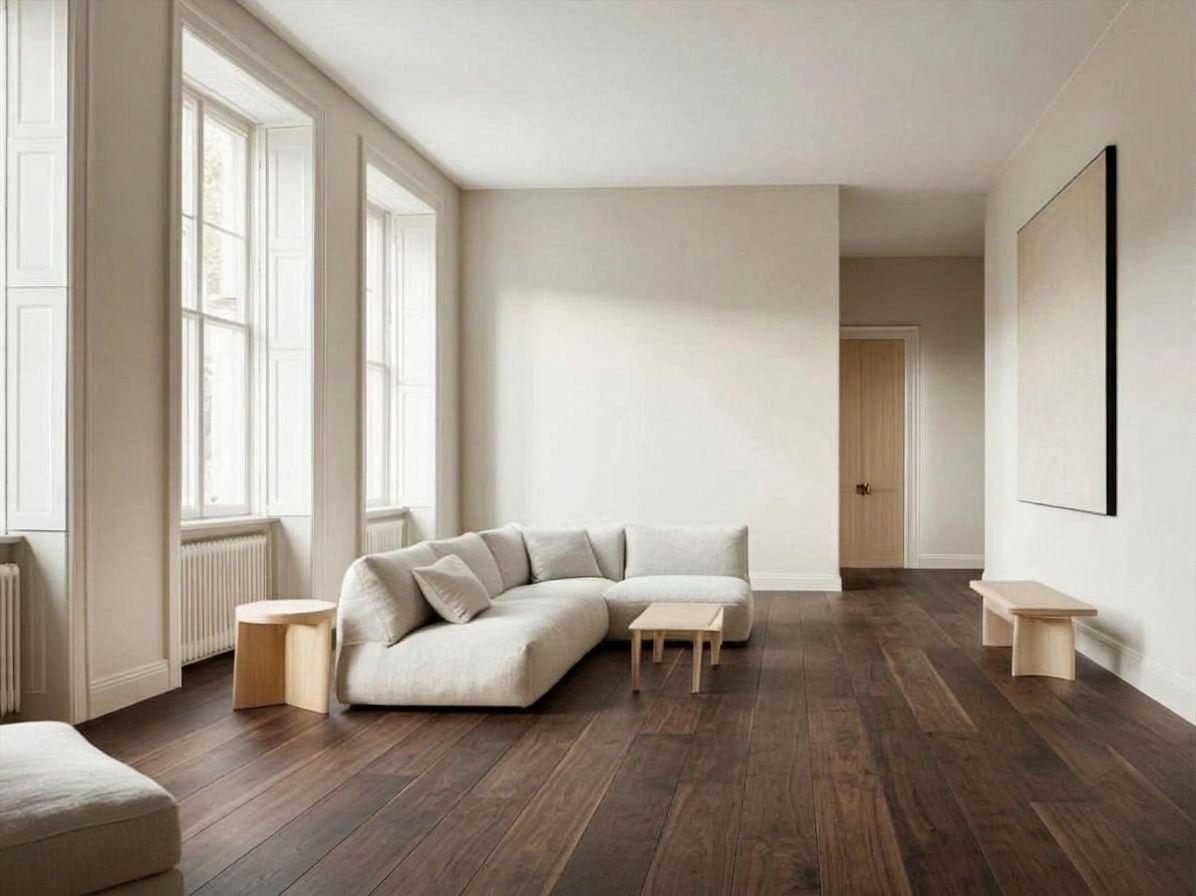
The planks run towards the far wall as asked and the furniture kept its shadows. A dark floor changes how bright the whole room looks, which is the reason to try it on a photo first.
4. Terracotta tomettes
Change only the floor in this photo to terracotta hexagonal tiles (tomettes) with a slightly worn surface. Keep the walls, windows, door, furniture, lighting and camera angle exactly the same.
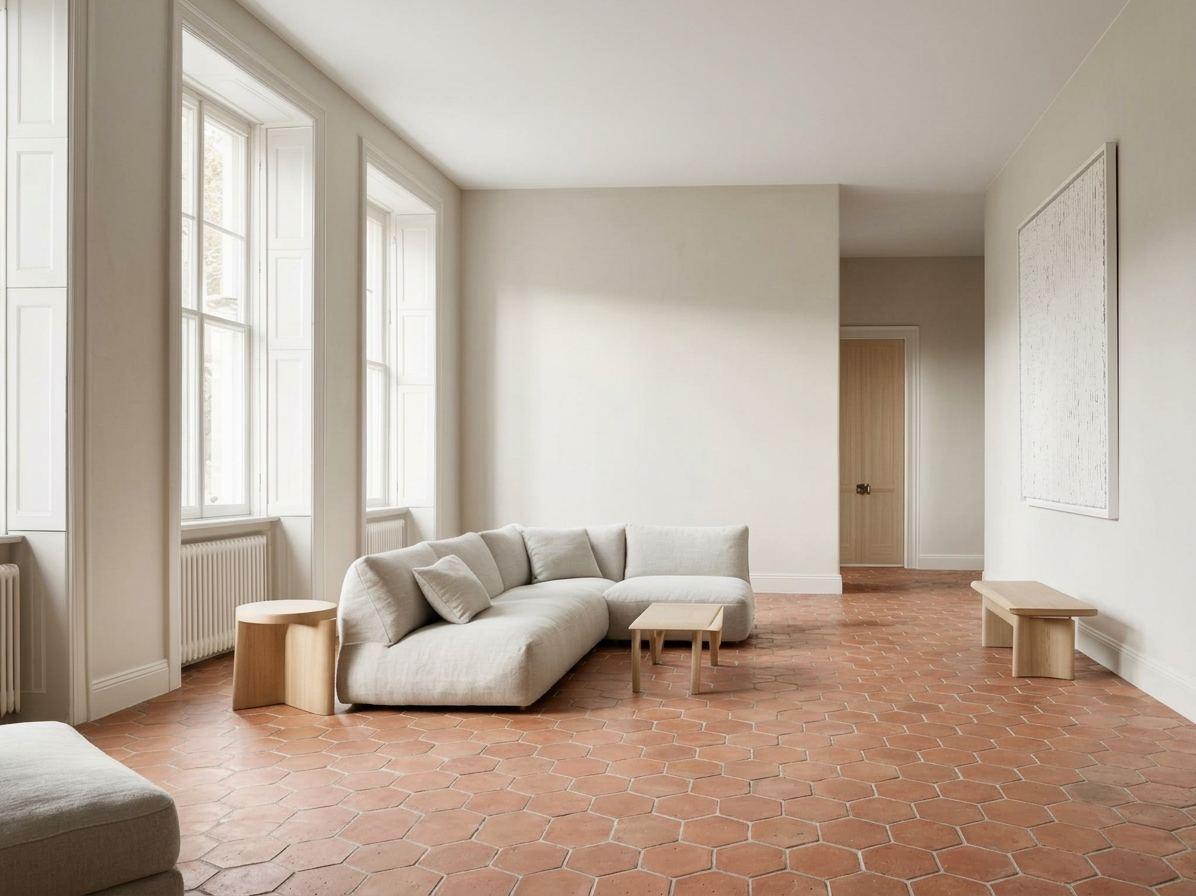
Hexagonal tiles with a worn surface, as written. The French run gave a glossier, redder floor than the English one from the same wording, so run it twice before deciding.
5. The vague prompt
Make the floor nicer.
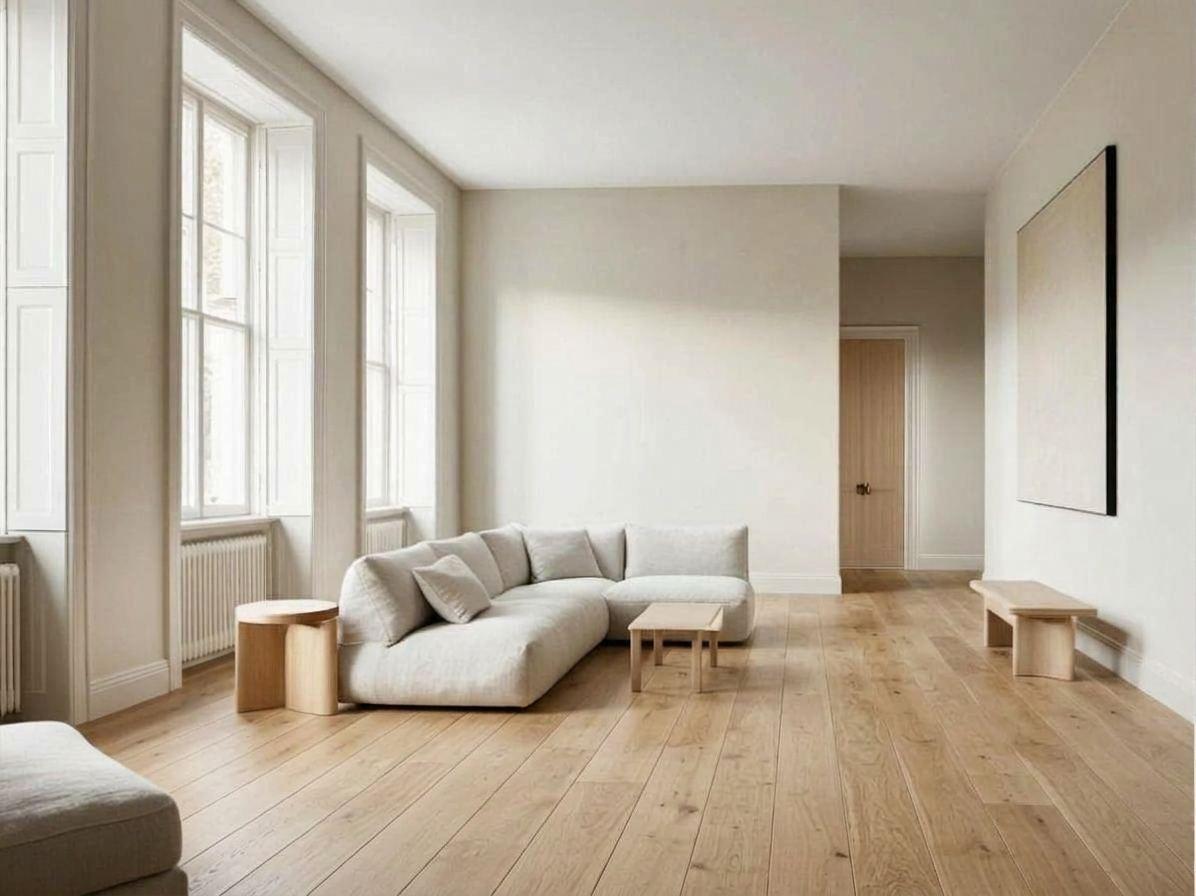
'Make the floor nicer' still changed only the floor, but the model chose the material: straight oak planks in English, herringbone in French. You get a floor, not your floor.
What to write when changing a floor
- Open with 'change only the floor'.
- Give the material, the format (board width, tile size) and the laying direction.
- Add the finish: matte, worn, polished.
- List what stays: walls, windows, door, furniture, lighting, camera angle.
- Ask for the furniture to keep its shadows on the new floor.
- Run it twice. The same wording gave two different terracotta floors.
Try it on your own room
Styly's floor and wall visualizer shows your own room with a different floor or wall from one photo, so you can compare options in your light before you buy.
Try a floor or a wall on a photo of your room
Upload a photo and compare options in your own space. The floor and wall visualizer is included in Styly Starter, which starts with a 7-day free trial.
Try Styly →Questions
How do I change the floor in a photo with AI?
Upload the photo and write 'change only the floor to…', then the material, format and direction, then the list of what must stay the same.
Does AI keep the rest of the room unchanged?
In our ten runs the walls, windows and furniture stayed in place. Small details can still shift, so compare with the original.
Can I see a specific product on my floor?
A text prompt gives a type of floor, not a product reference. For a given product you need a visualizer that takes the product itself as input.
Is the result accurate for colour?
It shows the direction: lighter, darker, warmer. Check a real sample in your own light before buying.
How these prompts were tested
Each prompt on this page was run once in English and once in French on 5 October 2026 with Google's Gemini 3.1 Flash Image model. The images are those results, resized and otherwise untouched. That is one run per language: the same prompt can return a different image next time, and other tools will answer differently. Where a run went wrong, we say so.