Language
Europe's First AI Interior Design Platform Recognized for Innovation
Europe's First AI Interior Design Platform Recognized for Innovation
Free AI office design, without login
Upload a photo of your room and try a new design. The trial is free, with no login or account.
Prepare your project
Choose a photo
Prepare a clear photo showing walls, openings and the floor.
Define your goal
Choose the colours, style and features you want to explore.
Review the requirements
Check the contact details, credits and options requested in the tool.
Review the result
Compare the visual with your original photo before deciding on changes.
Design examples
Visual references to help you consider your project.

AI office design - modern office transformed with contemporary ergonomic furniture

AI office design - serene Japanese-style office with minimalist workspace and soft lighting

AI office design - Moroccan-style office with colorful decor and inspiring atmosphere

AI office design - chic Parisian office with refined furniture and professional decor
A real team, out in the field
STYLY is built by a team based in Paris. A few moments: trade shows, live demos, and stages where we present the product.

Our stand at VivaTech
VivaTech · Paris
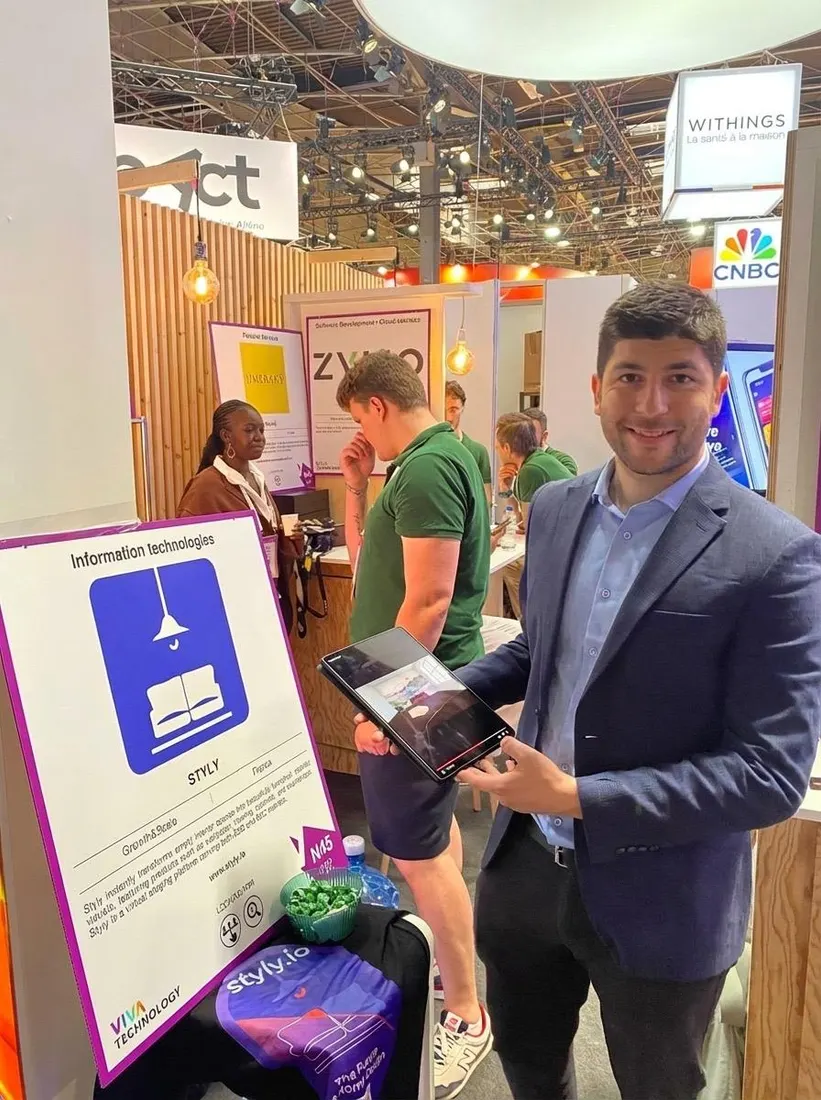
Live demos on the floor
VivaTech · Paris
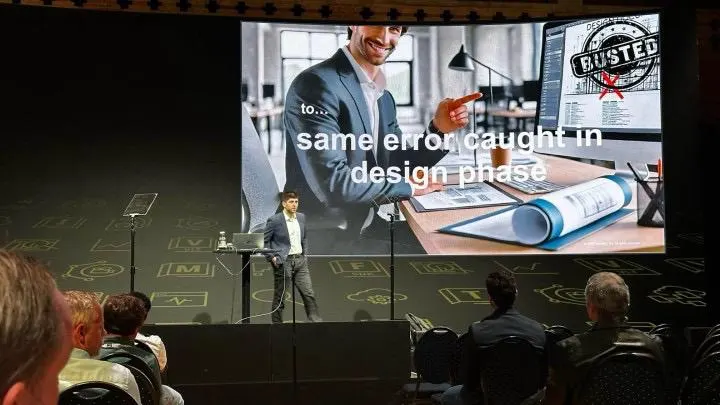
On stage
Design & construction talk
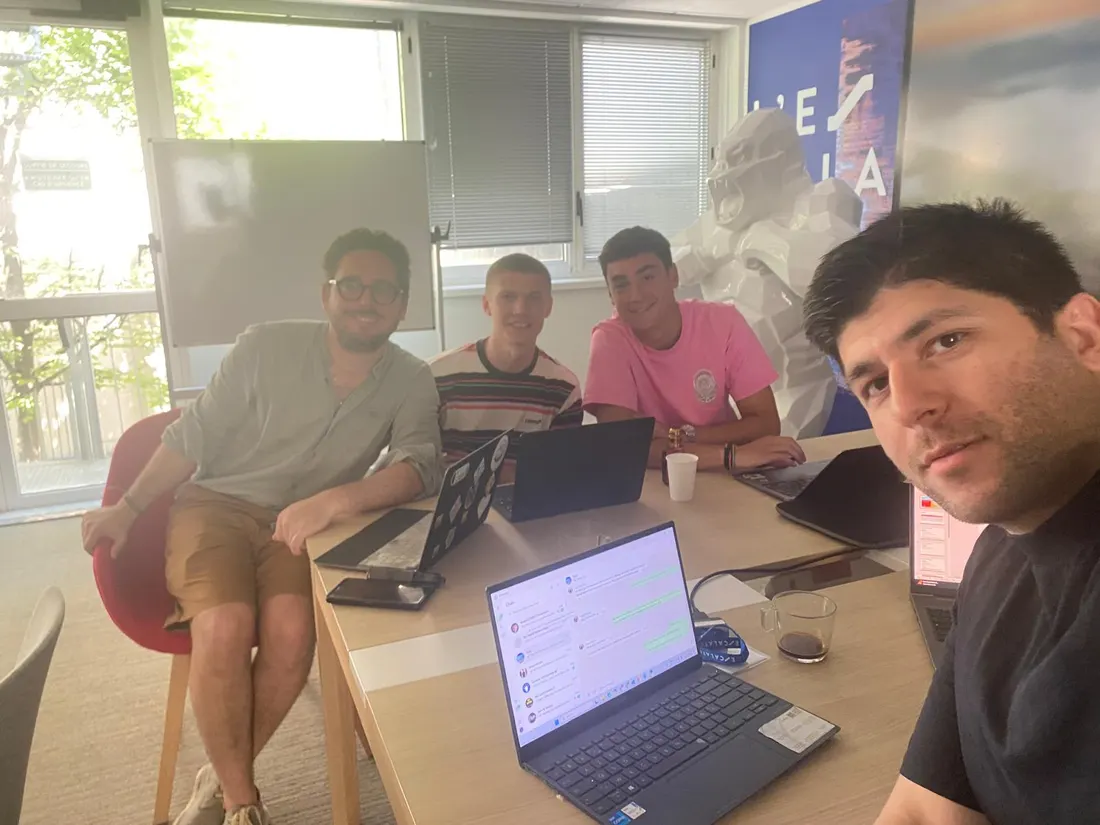
Building it with the team
L'Escalator · Paris
What to look for
Choose a photo
Prepare a clear photo showing walls, openings and the floor.
Define your goal
Choose the colours, style and features you want to explore.
Review the requirements
Check the contact details, credits and options requested in the tool.
Review the result
Compare the visual with your original photo before deciding on changes.
What It Does
Use visual references to discuss your design preferences.
What It Doesn't Do
An AI visual does not guarantee dimensions or technical feasibility. Keep your original photo.
Frequently Asked Questions
Explore your project
Upload a photo of your room and try a new design. The trial is free, with no login or account.