The 5 Best AI Interior Design Tools in 2026 (Tested & Compared)
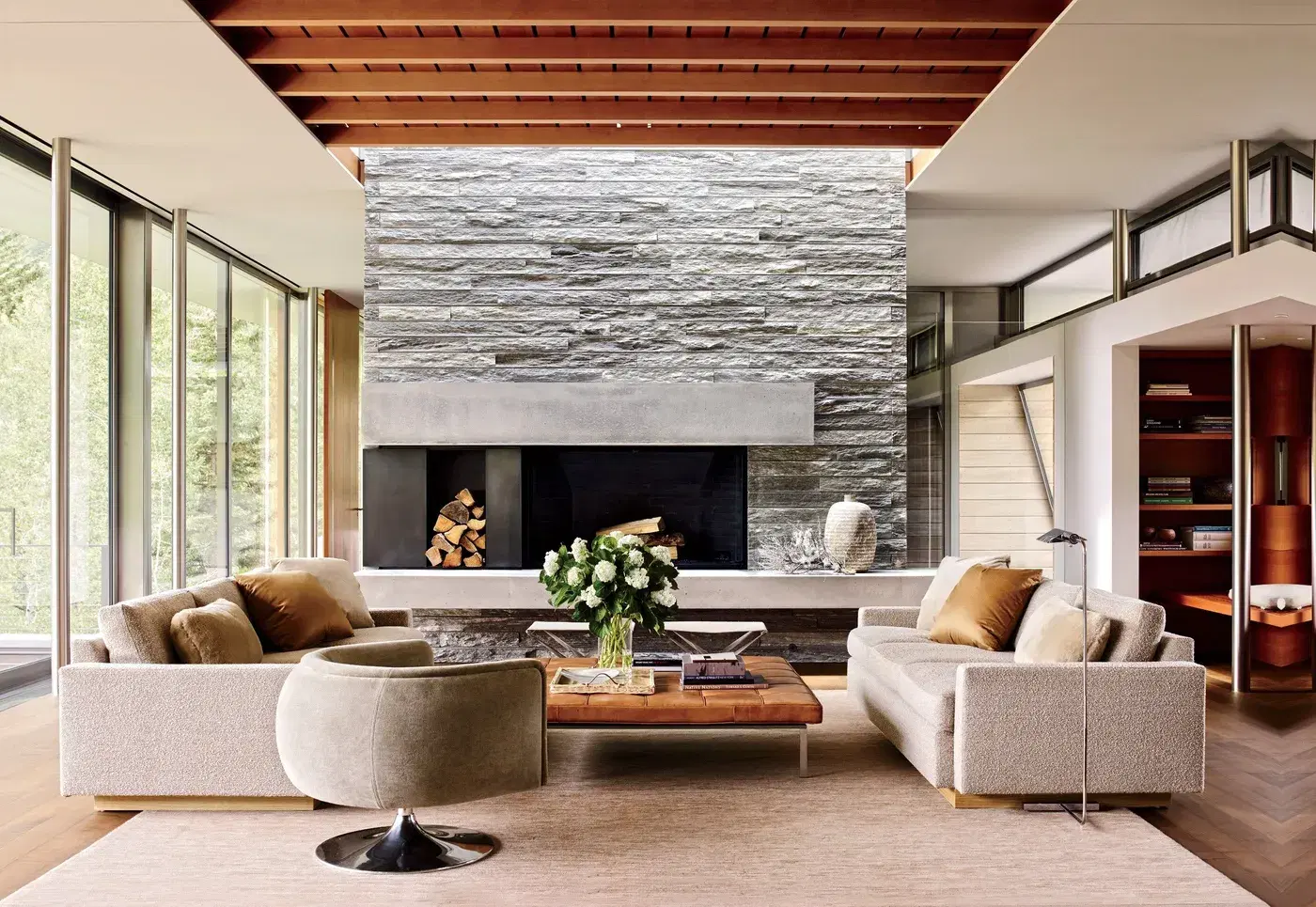
The best AI interior design tool in 2026 is Styly AI: it is free to start, requires no login, and turns a single room photo into photorealistic redesigns in about 10 seconds — for interiors and exteriors. This comparison covers the five tools people ask about most, using each vendor's own published pricing and free-tier limits, checked on 8 August 2026. Where a tool does not publish a figure, we say so rather than guess.
AI interior design tools compared at a glance
| Tool | Price from | Free tier | Start without signup | Best for |
|---|---|---|---|---|
| 1Styly AIOur pick | Free | Yes | Yes | Seeing your own room redesigned right now |
| 2HomeDesigns AI | €24/mo (€8 billed yearly) | 3 credits/day | No | Browsing 160+ styles |
| 3REimagine Home | $19/mo (30 credits) | Not stated | No | Gardens and landscaping |
| 4Interior AI | $29/mo billed yearly | Paid plans only | No | Heavy weekly users |
| 5RoomGPT | Not published | Not published | No | A quick one-off test |
Vendor pricing as listed on 8 August 2026. Scroll sideways on mobile →
How this comparison was put together
Pricing, free-tier limits and signup requirements were read from each vendor's own pricing page on 8 August 2026 and are quoted as listed, in the currency each vendor charges. Styly is our own product and we use it daily; the judgements about the other four reflect their published capabilities, not a controlled head-to-head test. Prices change often — check the vendor's page before you buy.
The 5 best AI interior design tools, ranked
Each tool below is scored on the same four criteria, with what it wins at and where it falls short.
Styly AI
Best overallStyly AI is the only tool of the five that shows you a finished, photorealistic redesign without creating an account. Upload a room, pick a style — Scandinavian, Japandi, modern minimalist, bohemian, quiet luxury — and the result arrives in about 10 seconds while keeping your room's real layout recognizable. It handles interiors and exteriors, works in English and French, and is used daily by homeowners, agents staging listings and designers presenting concepts.
- Free with no account required
- Renders in about 10 seconds
- Interiors, facades, gardens and terraces
- Keeps your real layout recognizable
- No shoppable furniture links yet
- Newer brand than RoomGPT
HomeDesigns AI
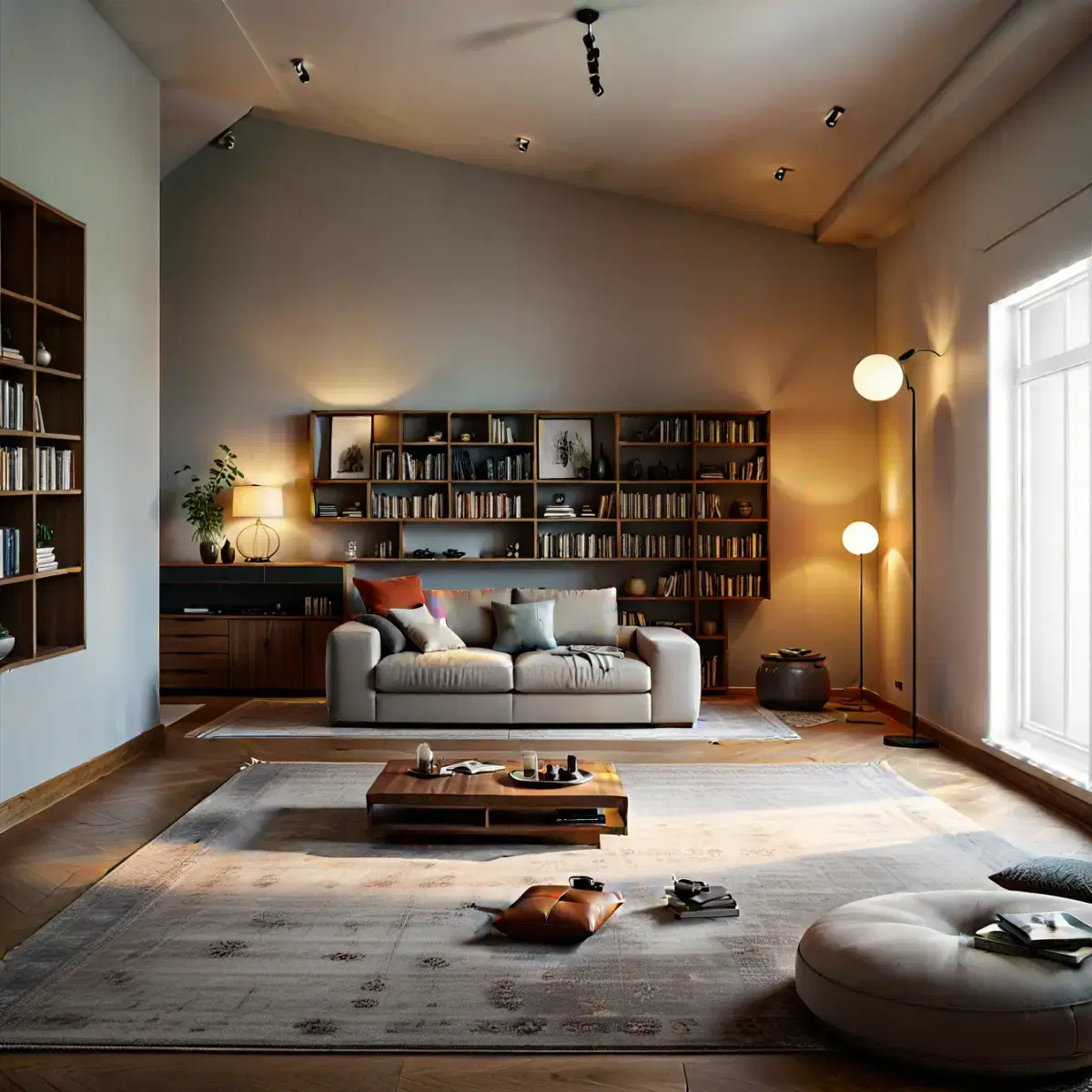
Best style varietyHomeDesigns AI covers interiors and exteriors with more than 160 design styles and a Furniture Finder that suggests shoppable pieces. It gives 3 free credits every 24 hours, then costs from €24/month, or about €8/month if you pay for a year upfront.
- Very large style library
- Furniture Finder links to real products
- Free credits refresh daily, not a one-off trial
- Account required before your first render
- Headline yearly price renews at full rate after 12 months
REimagine Home
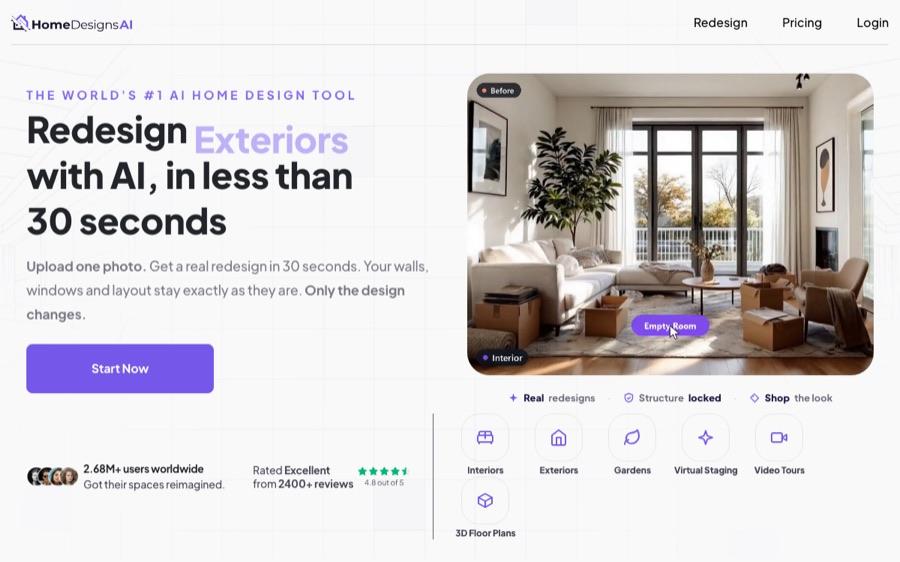
Best for gardensREimagine Home is the strongest of the five for outdoor work: it redesigns interiors, exteriors and full landscaping, and its Real Products Discovery matches some renders to purchasable products. Plans start at $19/month for 30 credits and scale to $119/month for 900.
- Genuine landscaping and garden support
- Links some results to real products
- Credit tiers scale a long way up
- Free allowance is not stated on the pricing page
- Account required before your first render
Interior AI
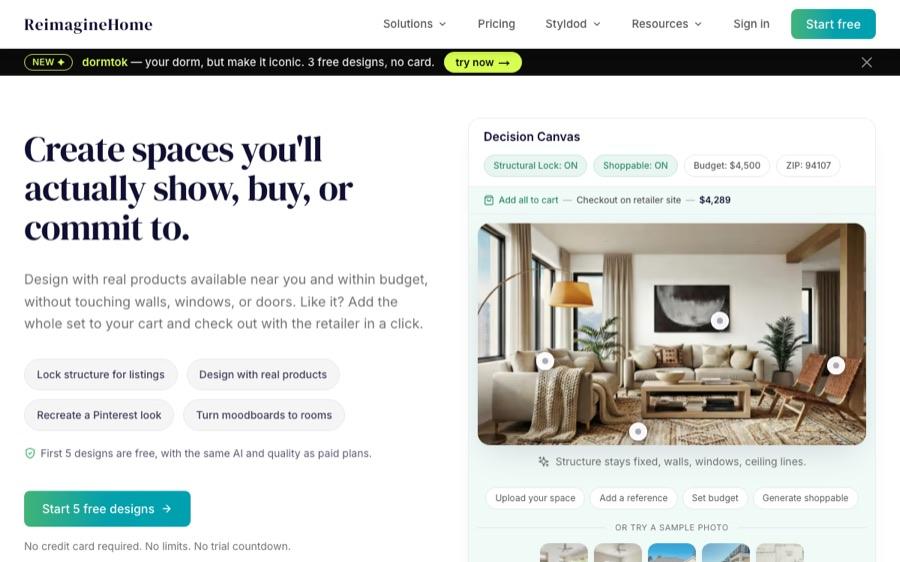
Paid onlyInterior AI offers 40+ aesthetic styles and a virtual staging feature aimed at estate agents. Its pricing page lists paid plans only — $349, $599 or $1,199 per year — with no free tier, which makes it a hard first stop when Styly delivers comparable realism for free.
- Strong, consistent render quality
- Virtual staging aimed squarely at estate agents
- No free tier listed
- Headline price requires paying for a full year upfront
- Furniture is AI-generated, not purchasable
RoomGPT
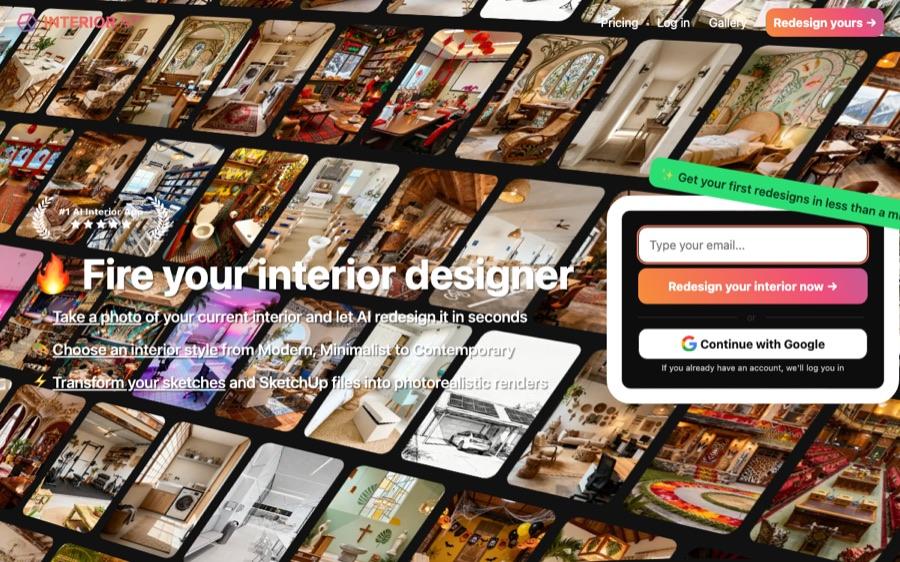
Simplest interfaceRoomGPT popularized one-click room restyling and remains the simplest interface of the five: upload, pick a theme, generate. It does not publish its prices on the public site — you reach them at checkout — so we cannot quote a figure here. The trade-off for the simplicity is control: fewer style options and no purchasable furniture.
- Easiest tool to understand in seconds
- No subscription needed for a one-off try
- Pricing is not published publicly
- Fewer style options than the others
- Furniture is AI-generated, not purchasable

Why Styly AI ranks first in 2026
Four things separated the winner from the rest of the field.
Free with no login
The only tool of the five that shows you a finished redesign before asking for an account or a card.
~10-second renders
Upload to photorealistic result in about 10 seconds — fast enough to compare five styles in a minute.
Interiors and exteriors
Living rooms, bedrooms, kitchens — plus facades, gardens and terraces from the same photo-in, render-out flow.
Keeps your real room
Restyles furniture, colors and materials while your actual layout stays recognizable — essential for renovation decisions.
Which AI interior design tool should you pick?
Match the tool to the job, not the hype.
Pick by use case
- You want to see your own room redesigned right now, free: Styly AI.
- You are a real-estate agent staging listings: Styly AI — fast, realistic, no per-seat software.
- You want to flip through 100+ styles for inspiration: HomeDesigns AI.
- Your project is mostly garden and outdoor space: REimagine Home.
- You will generate rooms every week and prefer a paid tool: Interior AI.
- You want the absolute simplest one-off test: RoomGPT.
The best test of an AI design tool is your own room. If a tool can't show you a convincing result before asking for money, keep moving.
— Styly Design Team
Frequently asked questions
Direct answers to what people ask most about AI interior design tools in 2026.
What is the best AI interior design tool in 2026?
Styly AI. It is free to start, needs no login, and returns photorealistic renders in about 10 seconds for both interiors and exteriors — the only tool of the five tested that shows you a finished result before asking for an account.
What is the best free AI interior design tool?
Styly AI is the only one genuinely usable without an account. HomeDesigns AI gives 3 credits every 24 hours and REimagine Home sells credit packs from $19/month, both behind a signup; Interior AI lists paid plans only.
Can AI interior design work without signing up?
Yes. Styly AI is the only tool in this comparison that generates full redesigns with no account, no email and no credit card. The other four require registration before your first render.
How fast are AI room redesigns?
Seconds, not hours. Styly returns a render in about 10 seconds per generation, fast enough to compare five styles in about a minute. The other tools do not publish per-render timings.
Do these tools keep my room's real layout?
The good ones do. Styly restyles furniture, colors, materials and lighting while keeping your room's actual geometry recognizable, which is what makes the output usable for real renovation planning rather than just inspiration.
Can professionals use these tools?
Yes. Real-estate agents use Styly for virtual staging of listings, and interior designers use it to present several concept directions to a client in minutes instead of days of mood boards.
Does AI replace an interior designer?
No. It replaces the slow part — mockups and mood boards — so that you or your designer choose between realistic options instead of imagining them. Taste and spatial judgement still come from a person.
Try the #1 AI interior design tool — free, no login
Upload a photo of any room and see photorealistic redesigns in about 10 seconds. No signup needed to start.
Redesign a room free with Styly →